Skip to content

$ Infrastructure and cloud

We move sites and platforms to Google Cloud, AWS or Microsoft Azure, automate deployments and document the infrastructure, so it stops depending on a single person. All access stays with you.

Cloud migration, Containers and automated deploys, Databases and backups, Infrastructure security

Quote your projectMessage on WhatsApp
We deploy on
  • Google Cloud
  • AWS
  • Microsoft Azure
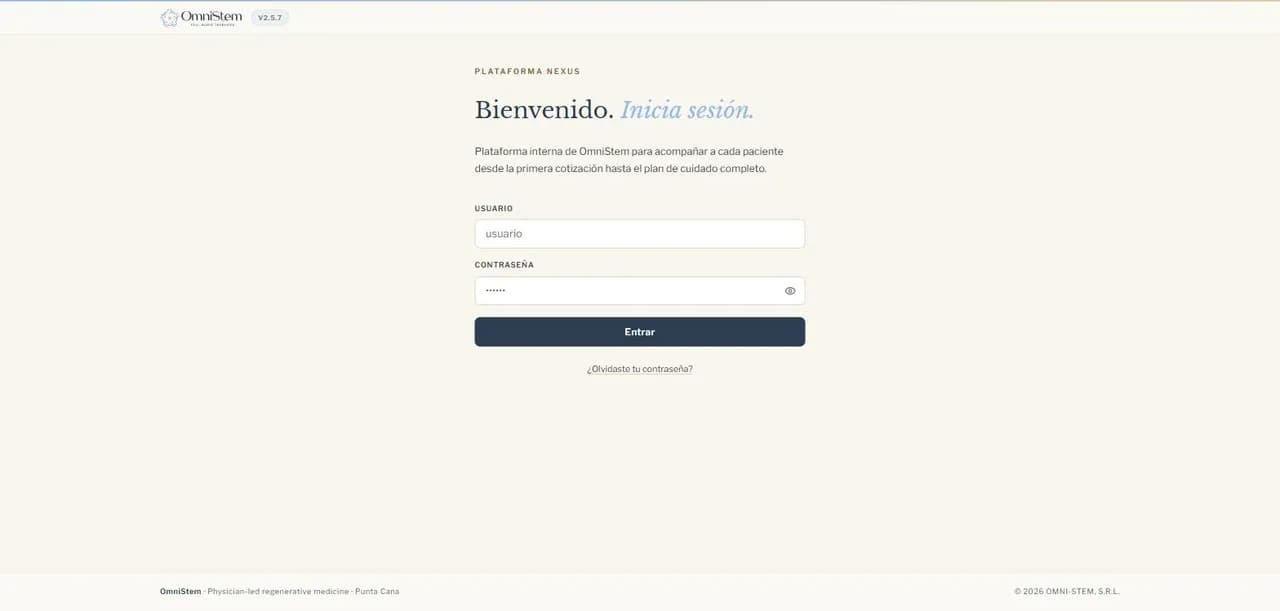
Screenshot of Nexus
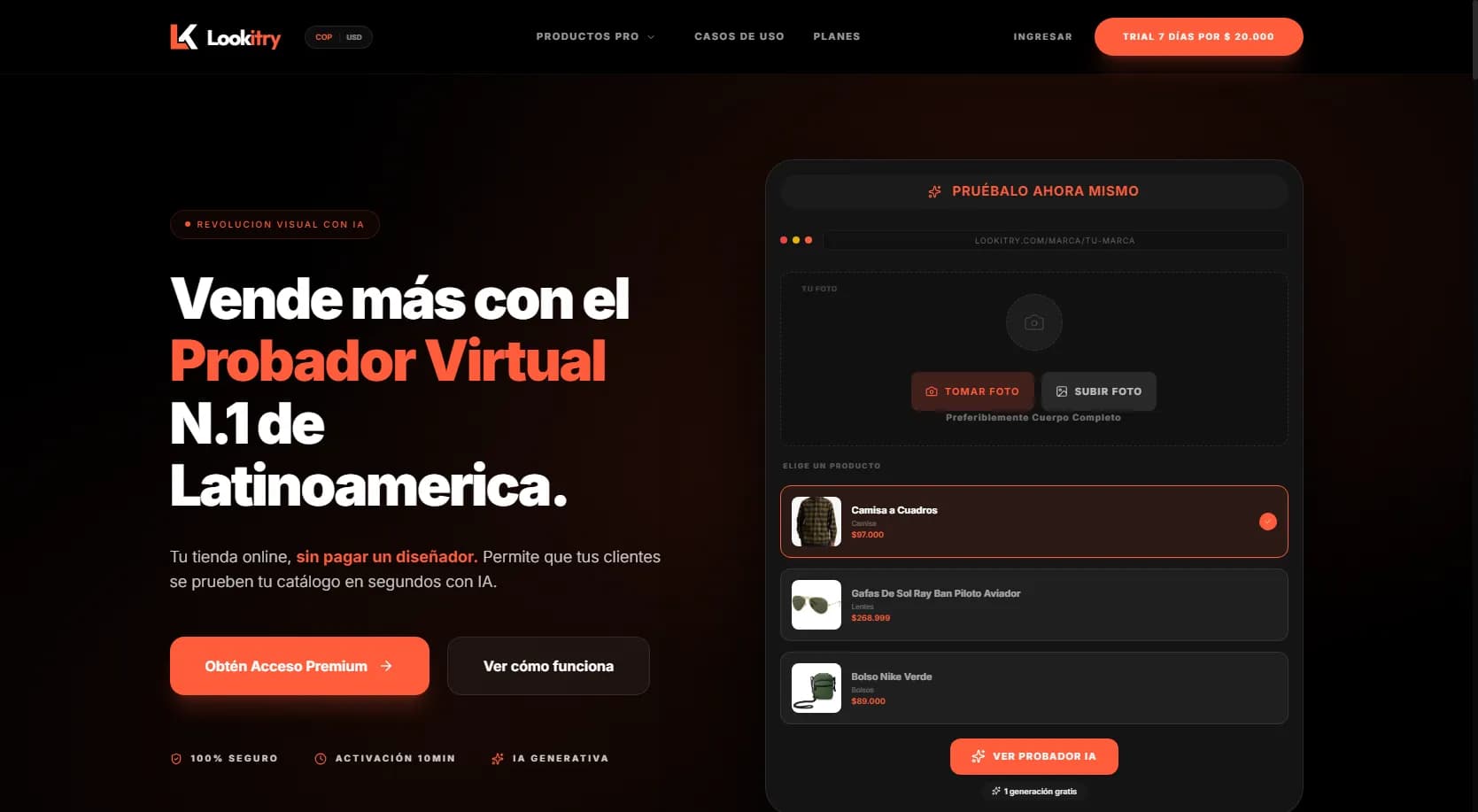
Screenshot of Lookitry
Screenshot of WilkieDevs

  • 01

    The site lives on shared hosting that slows down or goes offline right when it gets the most visits.

  • 02

    Nobody is quite sure what is deployed, how a release goes out or how to roll back when something breaks.

  • 03

    The cloud bill grows every month and nobody knows which resources are being paid for.

  • 04

    Keys, access and backups depend on a single person.

  1. Screenshot of Nexus

    Nexus: clinical operations

    • Microsoft Azure
    • PostgreSQL
    • Zoho CRM

    Clinical operations platform and Connect patient portal for OmniStem, running on Microsoft Azure.

    $ Why it fits

    • Deployed on Microsoft Azure.
    • PostgreSQL database with pgvector.
    • Sync with Zoho CRM.
    View the case: Nexus: clinical operations
  2. Screenshot of Lookitry

    Lookitry

    Open beta
    • Google Cloud
    • Next.js
    • WooCommerce

    AI virtual try-on for clothing stores, now in open beta. Includes a WooCommerce plugin and an API.

    $ Why it fits

    • Google Cloud as the main cloud.
    • Accepted into Google for Startups and AWS Activate.
    • AI image models and workflow automation for the catalog.
    View the case: Lookitry
  3. Screenshot of WilkieDevs

    WilkieDevs: from WordPress to code

    • Docker
    • GitHub
    • Next.js

    The agency's own site, rebuilt from WordPress into code with Next.js, bilingual and ready for Google and AI search.

    $ Why it fits

    • Docker image published by a GitHub workflow with a smoke test.
    • Deployed by digest on a VPS, behind Nginx.
    • Runs as an unprivileged user, with a health check.
    View the case: WilkieDevs: from WordPress to code

  • Cloud migration

    From shared hosting or a VPS to Google Cloud, AWS or Azure, in stages and with a rollback plan at every step.

  • Containers and automated deploys

    Docker images and releases through GitHub Actions, with separate staging and production environments.

  • Databases and backups

    Managed databases and backups stored away from the server that creates them.

  • Infrastructure security

    Least-privilege access per person, secrets kept out of the code, firewall and HTTPS everywhere.

  • Cost review

    We review which resources you pay for, right-size them and switch off what nobody uses.

  • Monitoring and alerts

    Errors and outages alert the team before a customer reports them.

  1. 01

    Assessment

    An inventory of what you run today: servers, services, access and what each costs per month.

  2. 02

    Design

    We pick the provider and architecture based on what you already use and what suits you, without tying you to one cloud.

  3. 03

    Staged migration

    We replicate the environment, test it end to end and only then switch the traffic.

  4. 04

    Operations

    We hand documentation and access to your team, or stay in charge with a monthly maintenance plan.

How your site moves to the cloud

Today

  • Shared hosting
  • Undocumented VPS
  1. Docker image
  2. GitHub Actions
  3. Smoke test

Your cloud

  • Google Cloud
  • AWS
  • Microsoft Azure

Rollback at every step

Accounts and access in your name

  • Google Cloud (GCP)
  • AWS
  • Microsoft Azure
  • Docker
  • GitHub
  • Cloudflare
  • PostgreSQL
  • Supabase
  • Firebase
  • Sentry
  • VPS

We work mainly on Google Cloud, and also with AWS and Azure. Nexus runs on Azure and Lookitry on Google Cloud.

$ After launch

Once the project is in production, we can stay in charge month after month. Every access remains yours.

  • Updates

    Dependencies, system and security patches applied in a controlled way, tested before release.

  • Backups

    Automatic backups stored off the server, with verified restores.

  • Monitoring

    Alerts for outages and errors so we act before a customer reports them.

  • Monthly report

    A clear summary of what was done, what was found and what is worth improving.

Google Cloud as our main cloud, and also AWS and Microsoft Azure. If you already have an account with one of them, staying there is usually the better choice.

The migration happens in stages: first the environment is replicated in the cloud, tested end to end, and only then is traffic switched. Every step has a rollback plan.

It depends on your traffic and the services you need. During the assessment we estimate the monthly cost before migrating, so you decide with numbers.

All access remains fully available to the project owner or their team: accounts, keys, repositories and backups.

Your call: we hand documentation and access to your team, or stay in charge with a monthly maintenance plan.

Which part of your infrastructure keeps you up at night?

Tell us what you run today and what worries you. We start with an assessment so you decide with information. We work in Spanish and English.

Other services: Web development